Sometimes we just need help debugging hardware and usually, hardware debuggers are expensive and huge. So, for my pi pico projects, I used to have another pi pico as the debug probe, except that the Raspberry Pi Foundation packaged it in a better way and I got one.
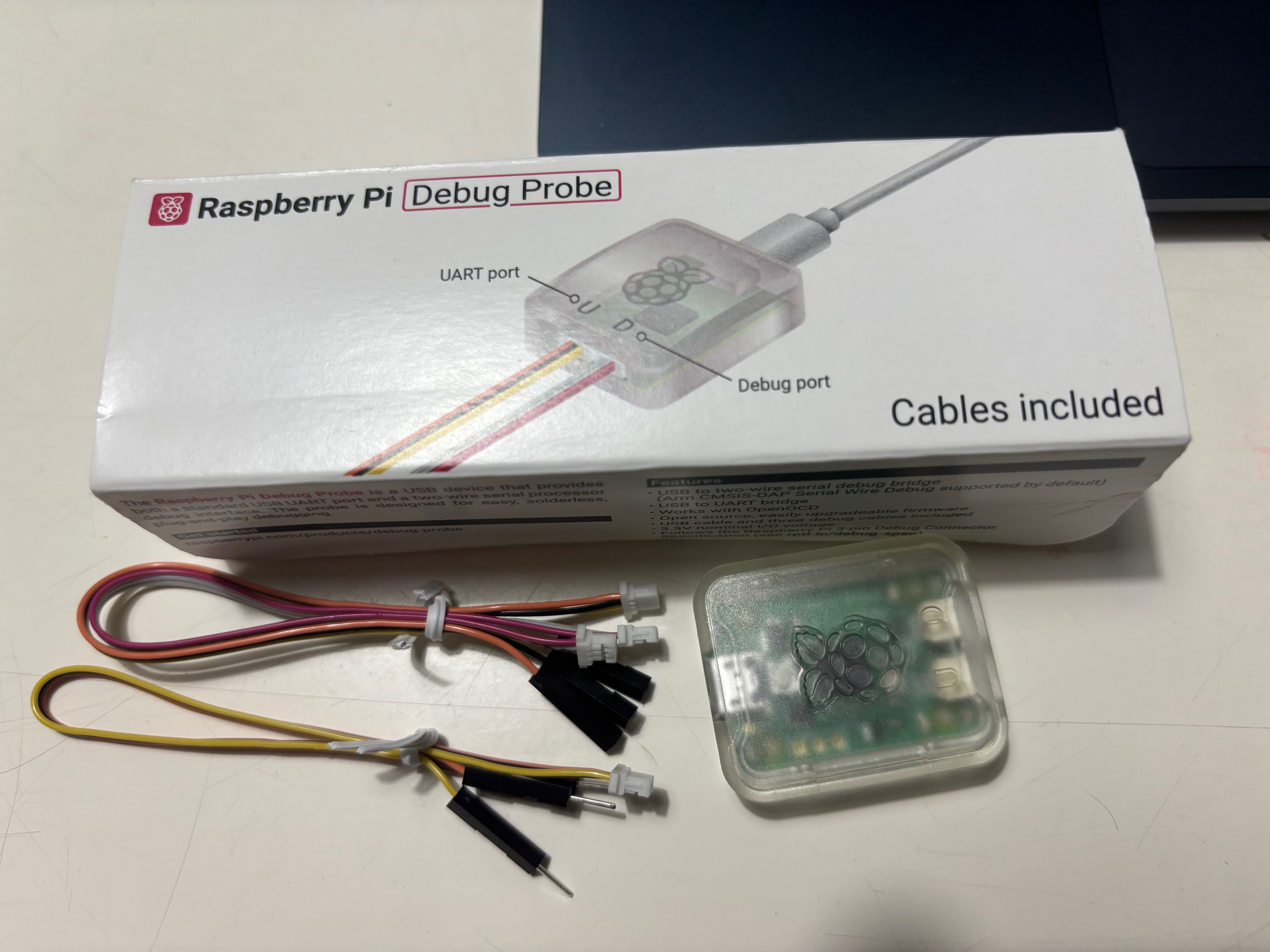
This thing is useful, well packed, small and elegant. It’s compatible with openOCD so you can attach gdb or anything to debug your stuff. Really great. Here is attaching openOCD to the pi pico:
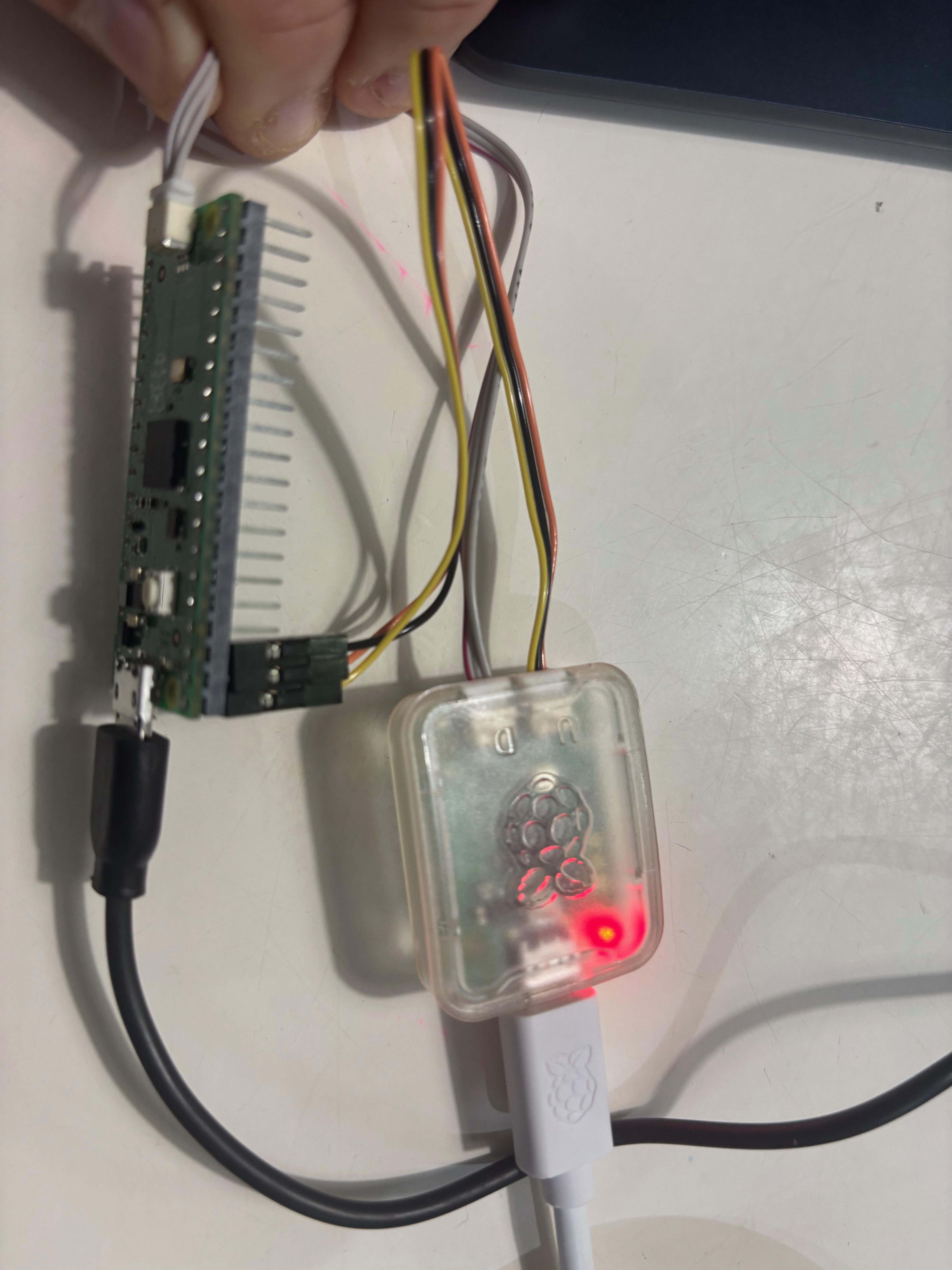
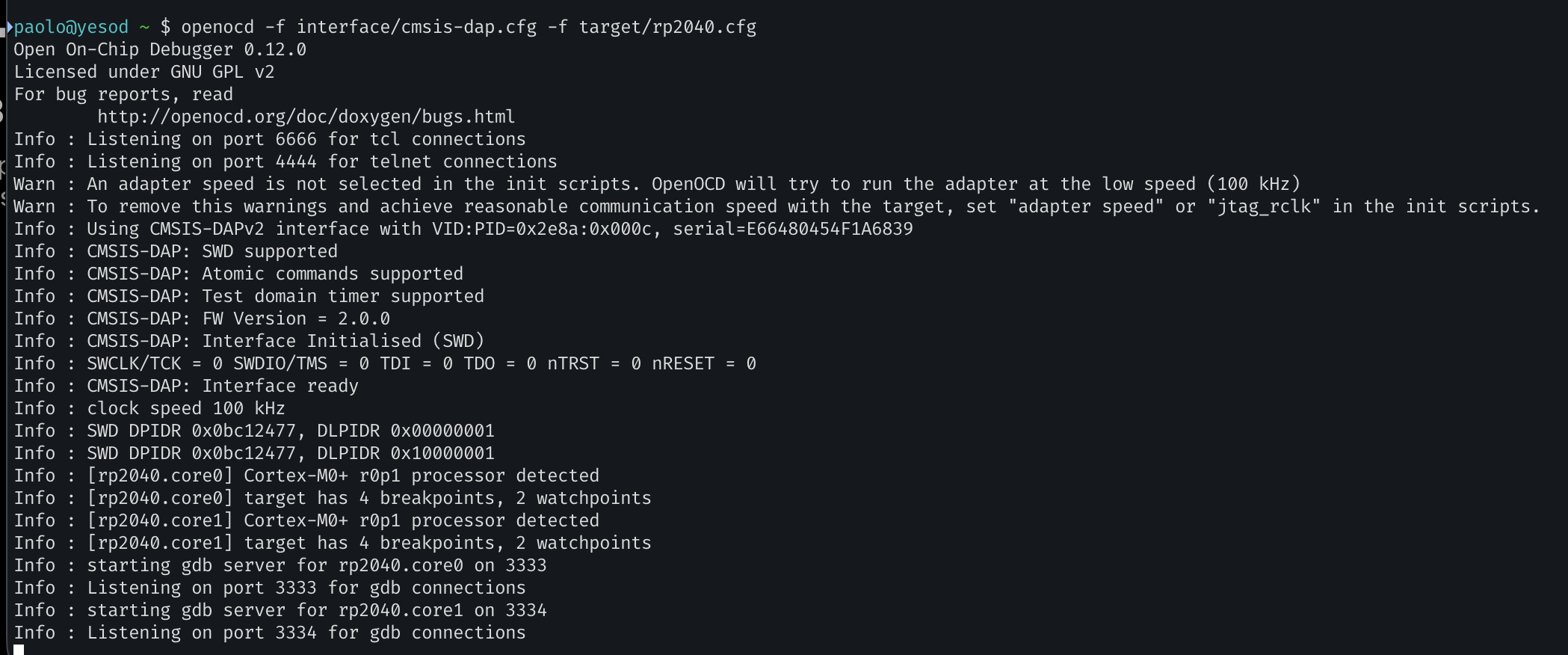
and here the gdb attaching to the session:
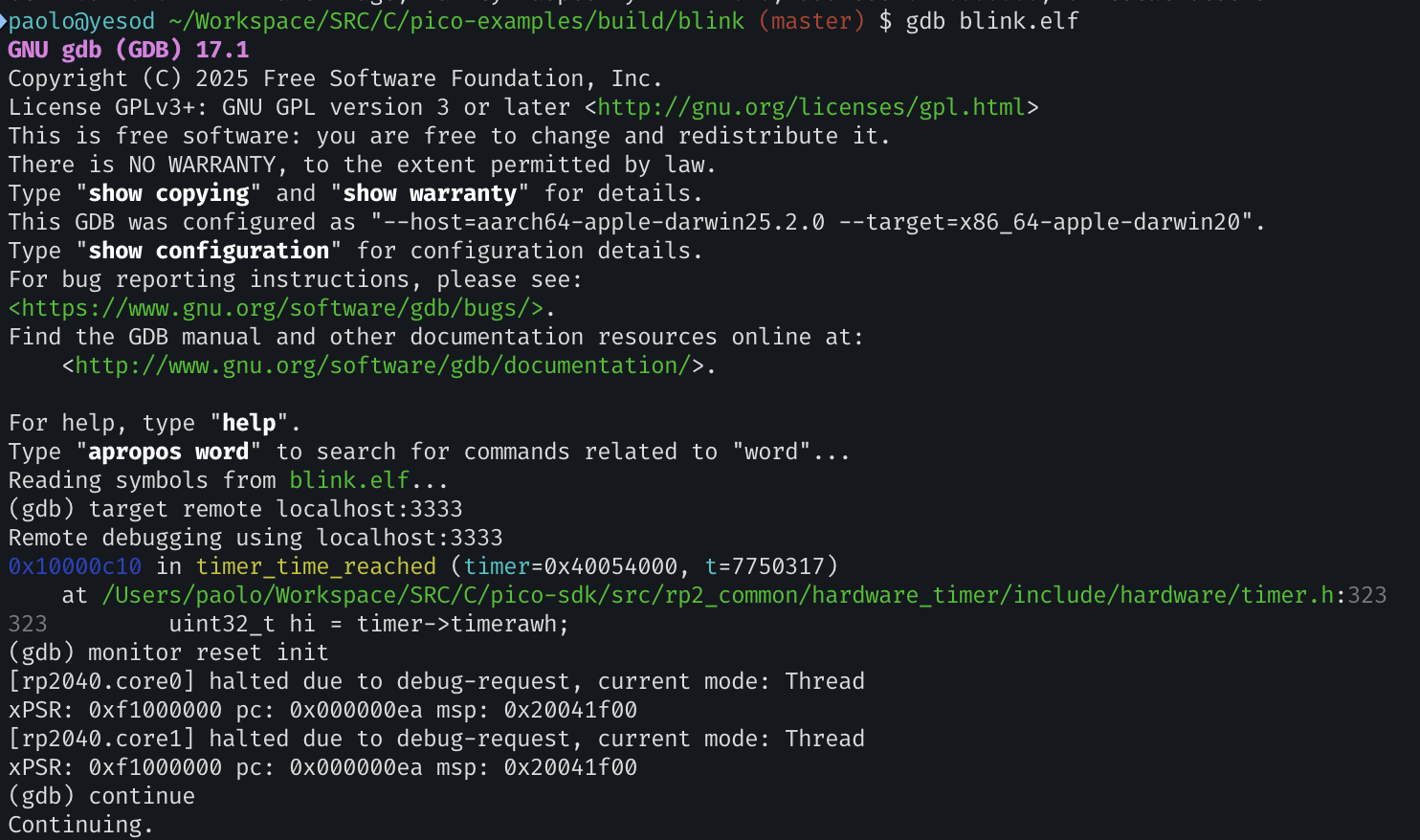
simple and elegant!
I will make more experiments with it but it can also upload new firmware and integrate with VSCode. I’m creating a few openai codex skills to make it attach to the openOCD session and debug and fix issues automatically.
Ah, btw, on mac air m4, to have everything set, I just installed everything with brew:
brew install open-ocd gdb
brew install --cask gcc-arm-embedded
clone the picoSDK(git clone https://github.com/raspberrypi/pico-sdk.git --branch master && cd pico-sdk && git submodule update --init), set the PICO_SDK_PATH and that’s it! The whole environment is set to build pi pico apps!